Internal tools
The spreadsheet-and-three-tabs workflow your team runs fifty times a week becomes a single, purpose-built tool. Faster, fewer mistakes, easier to onboard new hires.
e.g. order intake · inventory · CRM cleanupI'm Ken Broholm. I build small, custom AI-powered apps for businesses that don't have an engineering team — quoting tools, internal dashboards, browser automations, customer-facing calculators. The kind of work that used to mean a six-figure engagement now ships in a few weeks, at a price that makes sense for a small business.
The spreadsheet-and-three-tabs workflow your team runs fifty times a week becomes a single, purpose-built tool. Faster, fewer mistakes, easier to onboard new hires.
e.g. order intake · inventory · CRM cleanupCalculators, lookup tools, configurators, comparison engines. The kind of thing that makes your site genuinely useful — and pulls in qualified leads while you sleep.
e.g. pricing calculators · product findersChrome extensions that handle the tedious web work — monitoring suppliers and competitors, batch lookups across vendor sites, syncing data between systems that don't talk.
e.g. stock monitors · batch warranty checksConfigurable tools so your team produces clean, itemized quotes in a minute instead of an hour. Pricing rules live in admin — change a margin without changing code.
e.g. service quotes · build estimatesIf you have a dataset — your records, public data, your own research — I can turn it into a searchable, comparable, actually-useful tool. For your team, or for your customers.
e.g. searchable directories · market intelSometimes the work happens away from a desk. Native iOS apps for the field team, the warehouse floor, the road — App Store-quality, built end-to-end.
e.g. field inspections · in-store companionsA year ago this tool would have cost $30,000. Now it's a few weeks.
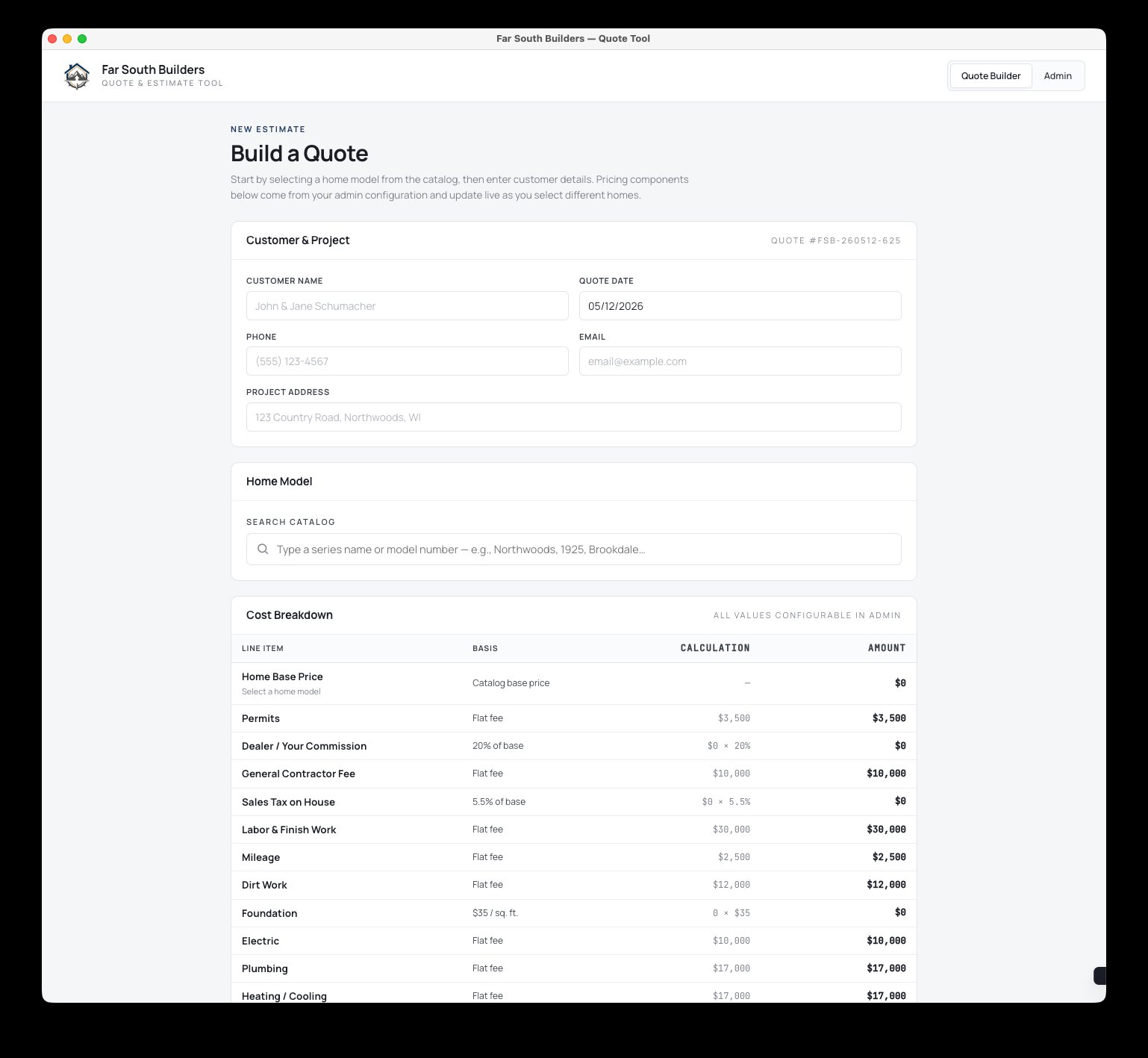
The problem: a regional modular home builder was spending an hour per quote in spreadsheets, with pricing errors creeping in and no clean output to send customers. They needed a tool — but couldn't justify a long, expensive engagement.
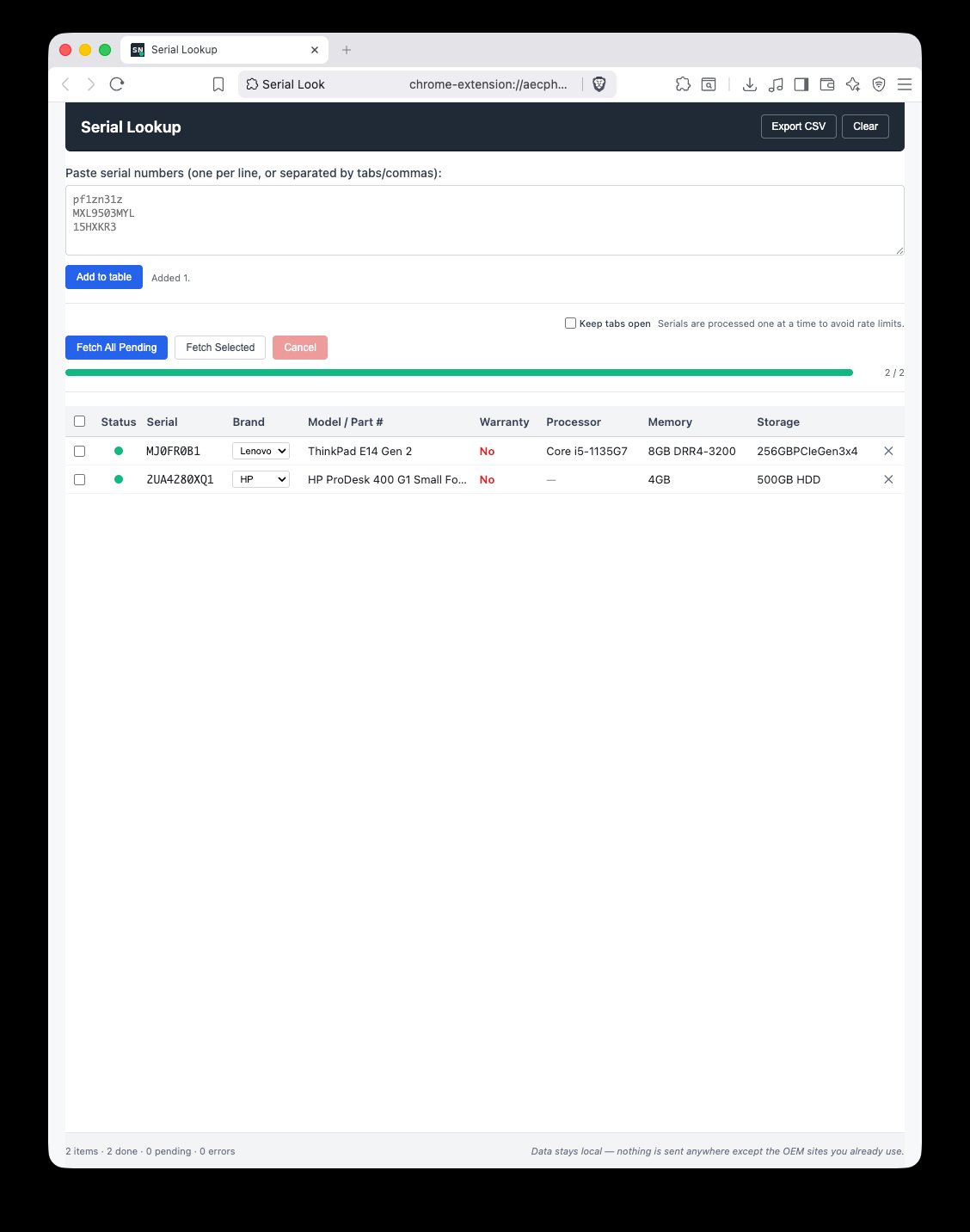
The problem: an IT team was spending afternoons typing laptop serial numbers one by one into Lenovo, HP, and Dell warranty sites — looking up specs and warranty status for inventory audits and replacement orders.
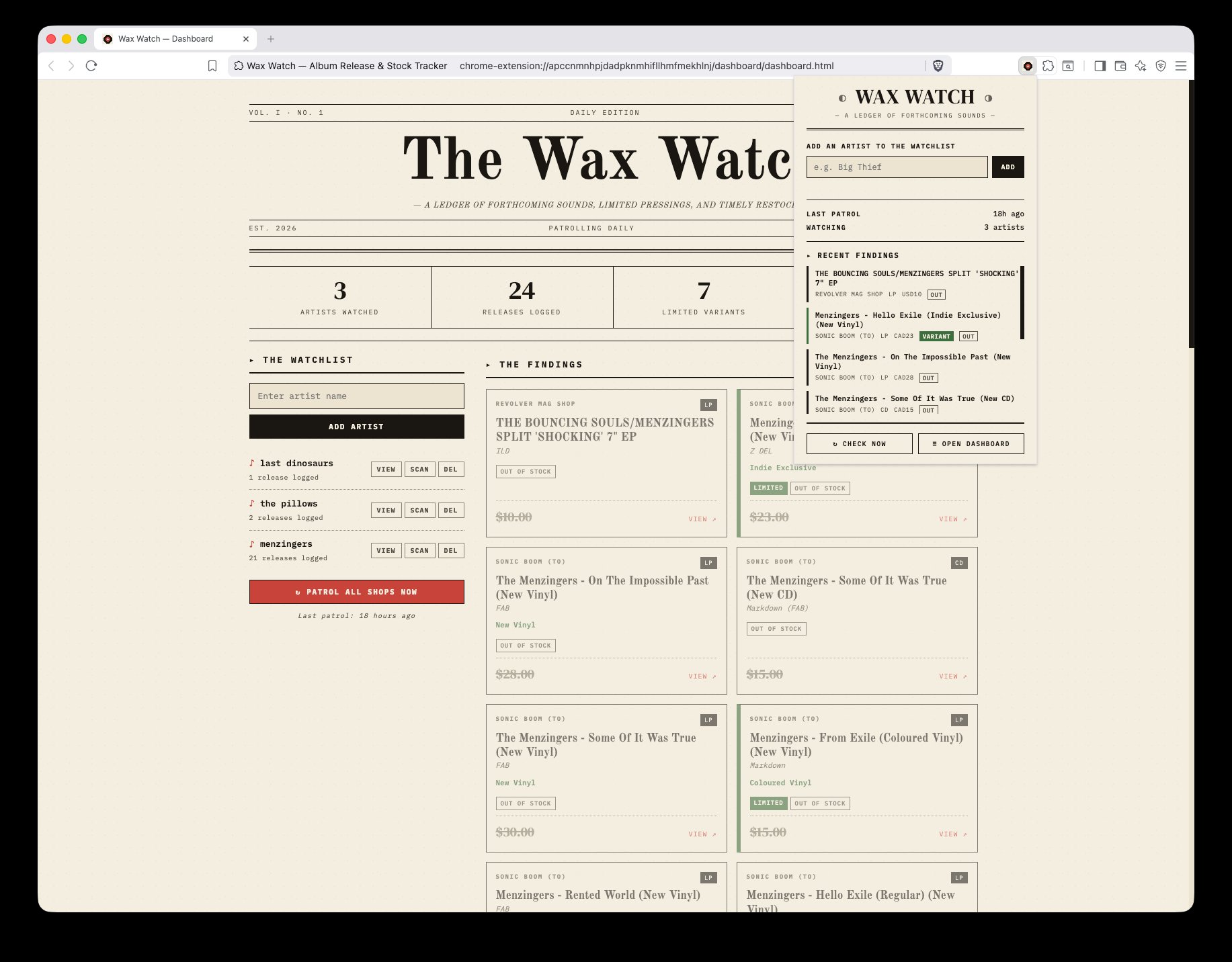
The problem: watching for inventory changes across a dozen websites is a job nobody wants. Manually refreshing supplier or competitor pages eats hours, and almost always misses the moment that matters.
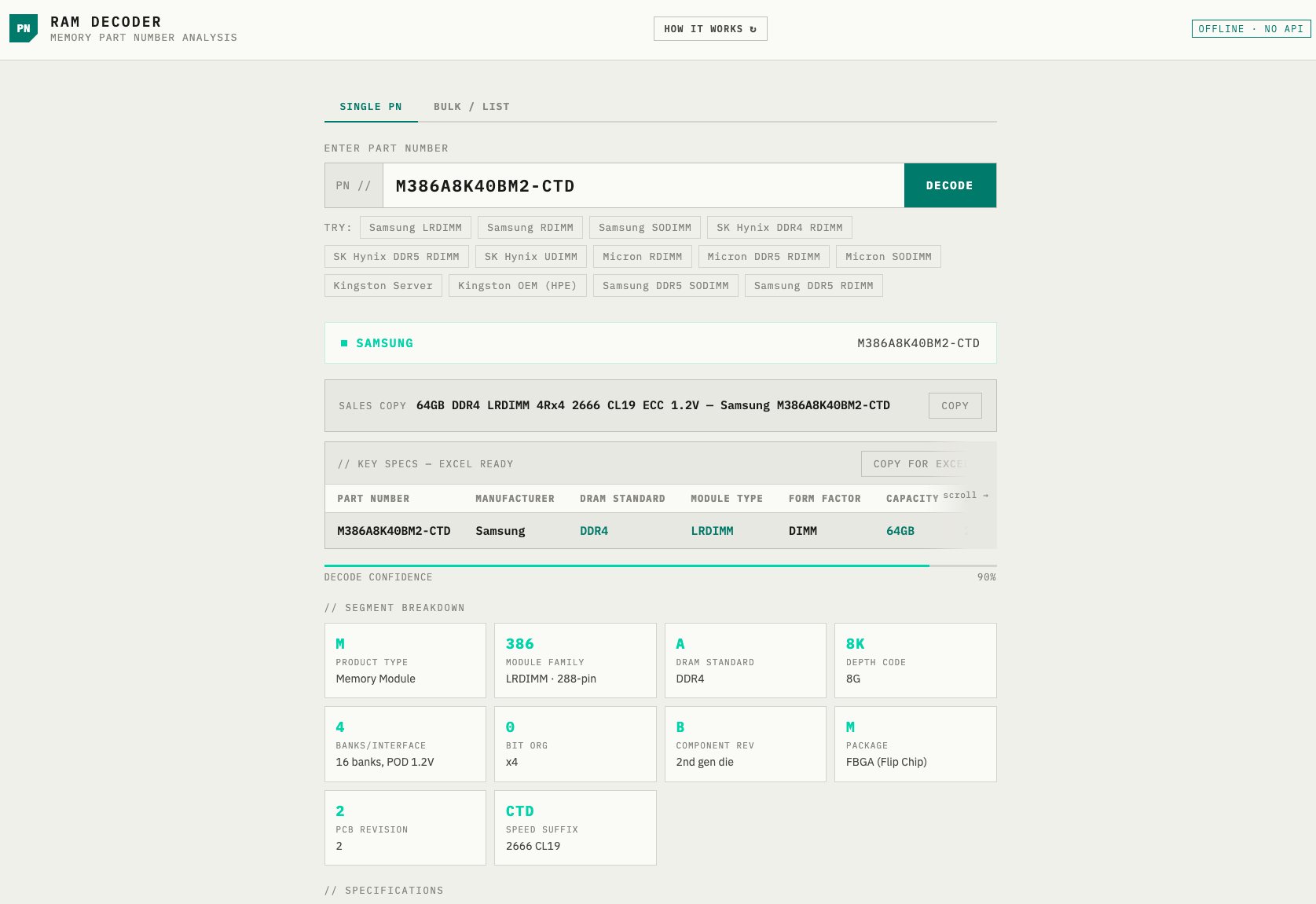
The problem: in any technical business, a handful of senior people end up as the human lookup table for specialist knowledge. They get pinged constantly. Junior staff wait. Everyone slows down.
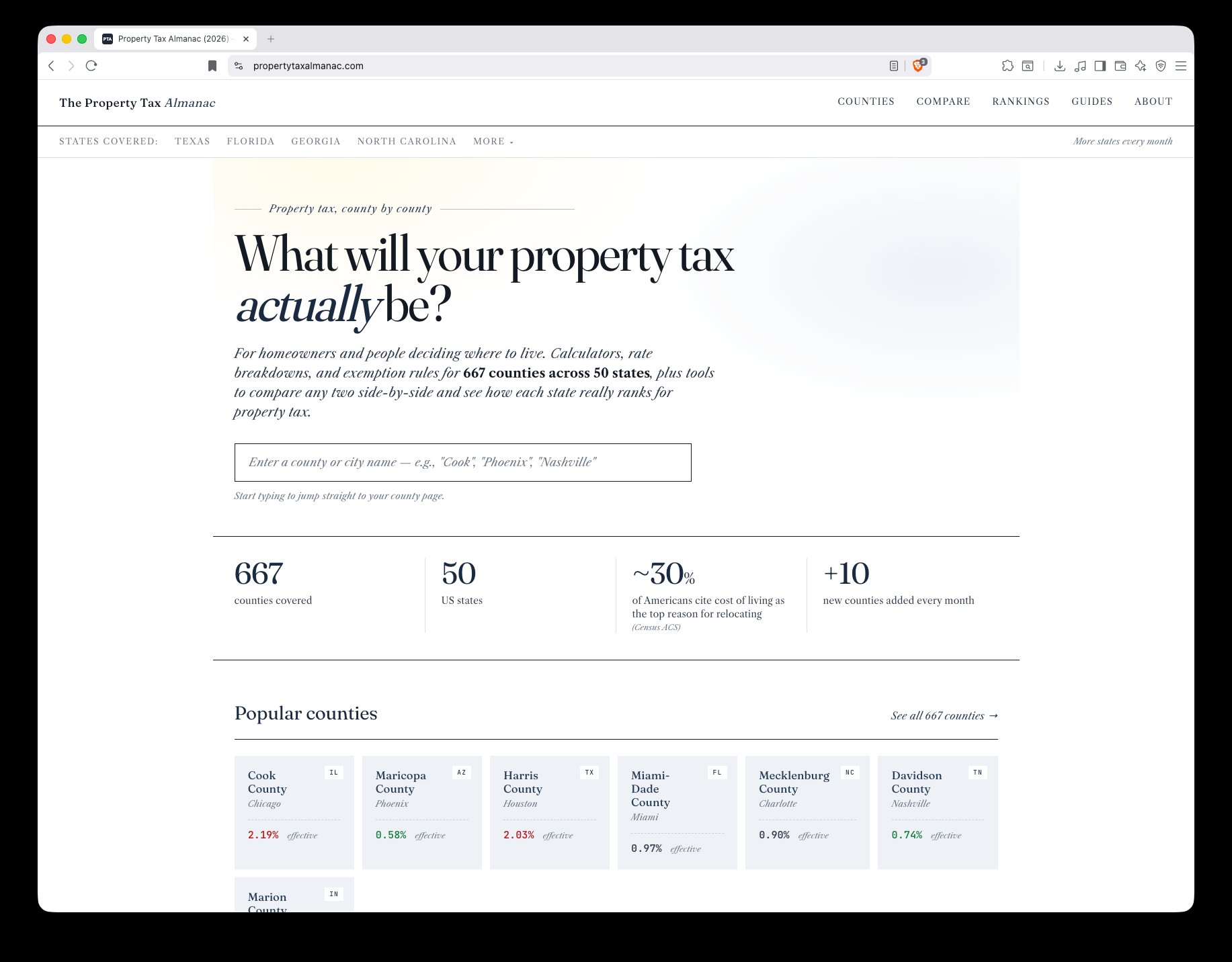
The problem: useful data is often locked in spreadsheets, PDFs, and county websites that nobody wants to navigate. The data itself is valuable; the way it's presented isn't.
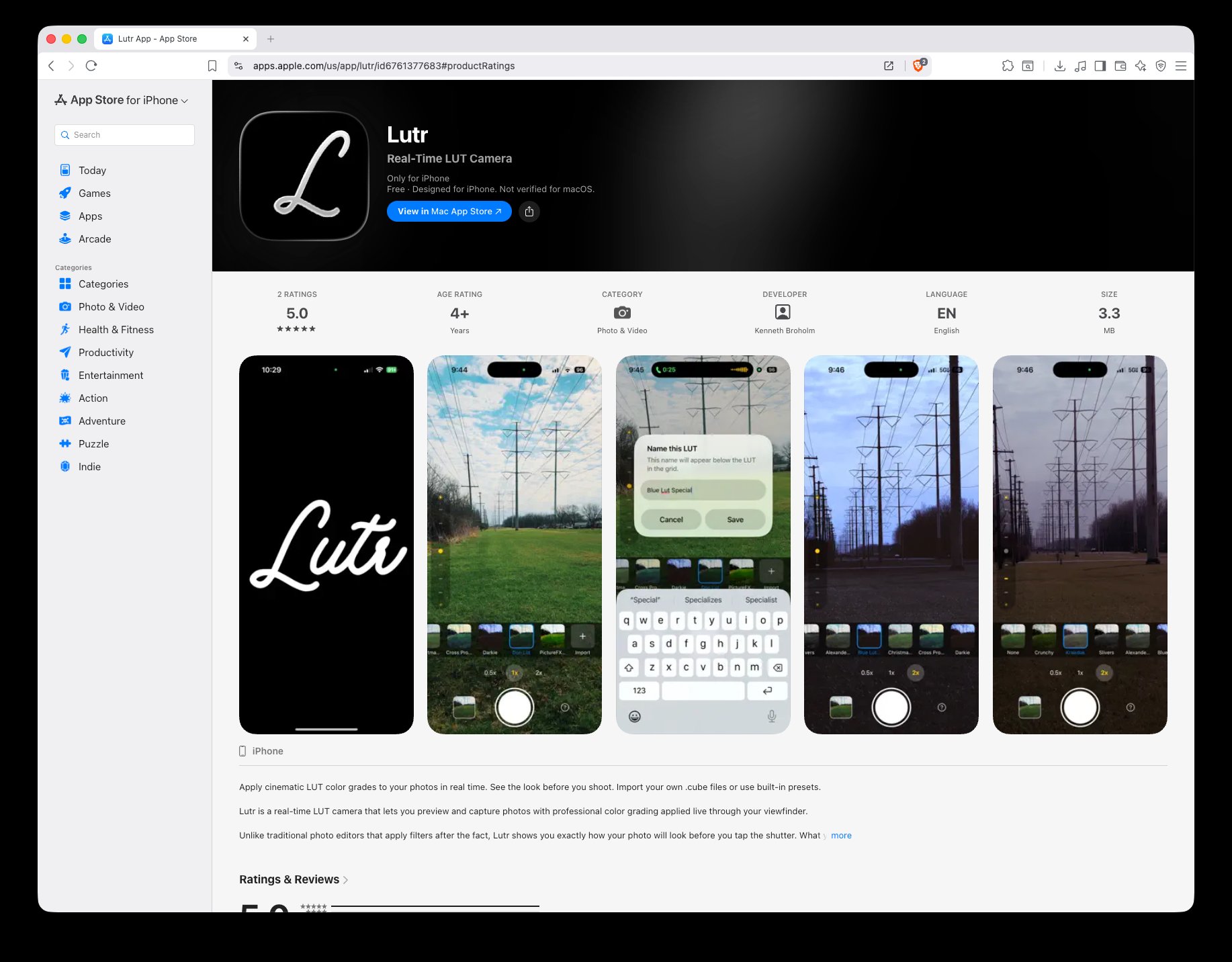
The problem: some work has to happen on a phone, and a real iOS app feels different from a wrapped web view. Customers and field teams notice. The App Store has its own bar.
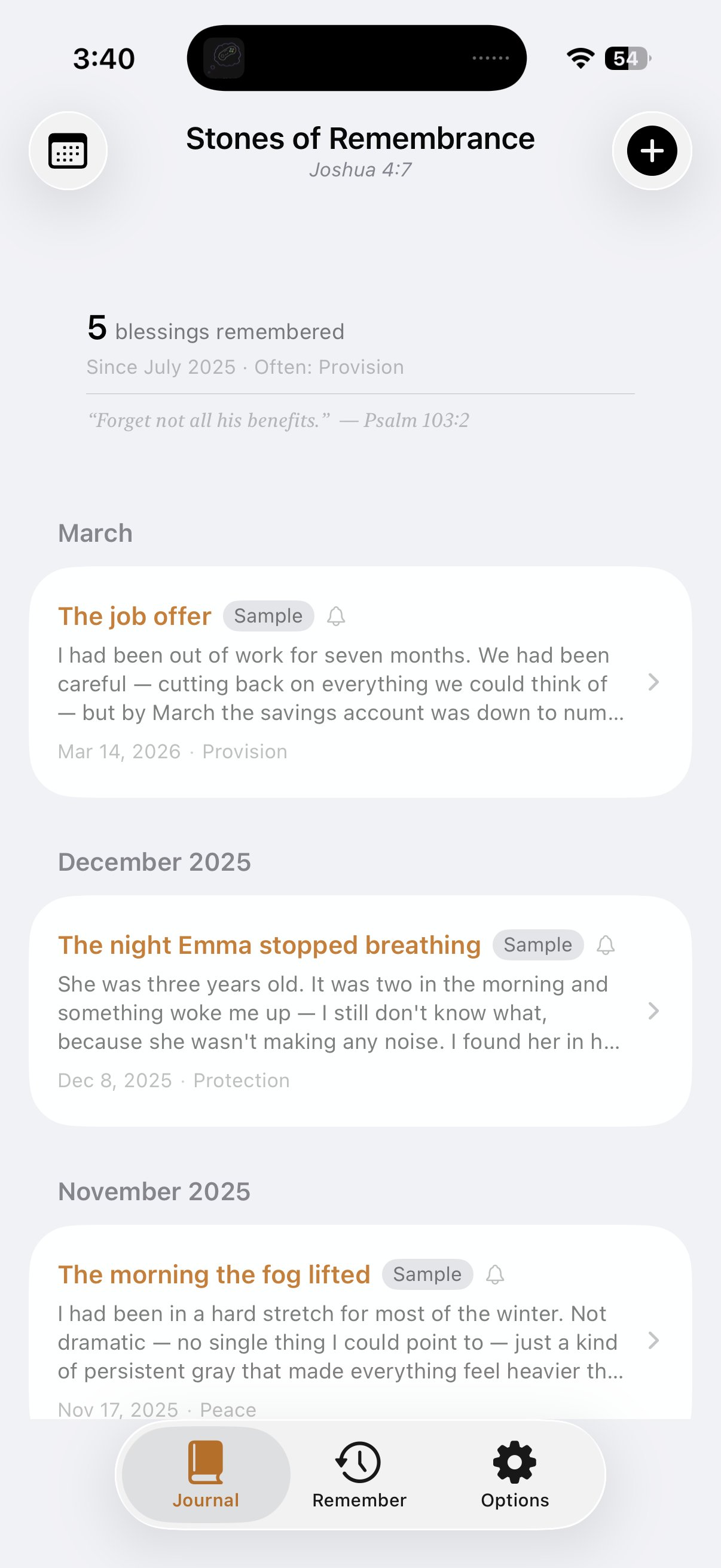
The problem: sometimes the right product is the one that does one thing, very well, for a specific audience — no feed, no accounts, no upsell screens.
Tell me about the tedious task. I'll tell you whether it's a fit and roughly what it would cost. No deck, no pitch.
20 min · freeFixed price, clear deliverables, defined timeline. You'll know exactly what you're paying for before you sign anything.
2–3 daysUsually 1–4 weeks. You see progress weekly. Your feedback shapes the product as we go, not at the end.
1–4 weeksYou get the working software, full source code, and 30 days of revisions. Optional retainer after that, or one-off changes as you need them.
+30 days includedNot sure what you need yet? That's fine — the intro call is partly to help you figure that out. Most useful tools start as "we keep doing this thing manually and it's driving us crazy." Bring the symptom; we'll find the right tool together.
Send me a sentence about it. If it's a fit, we'll set up a 20-minute call. If it isn't, I'll tell you that too — and probably point you toward something that is.